Make it your own.
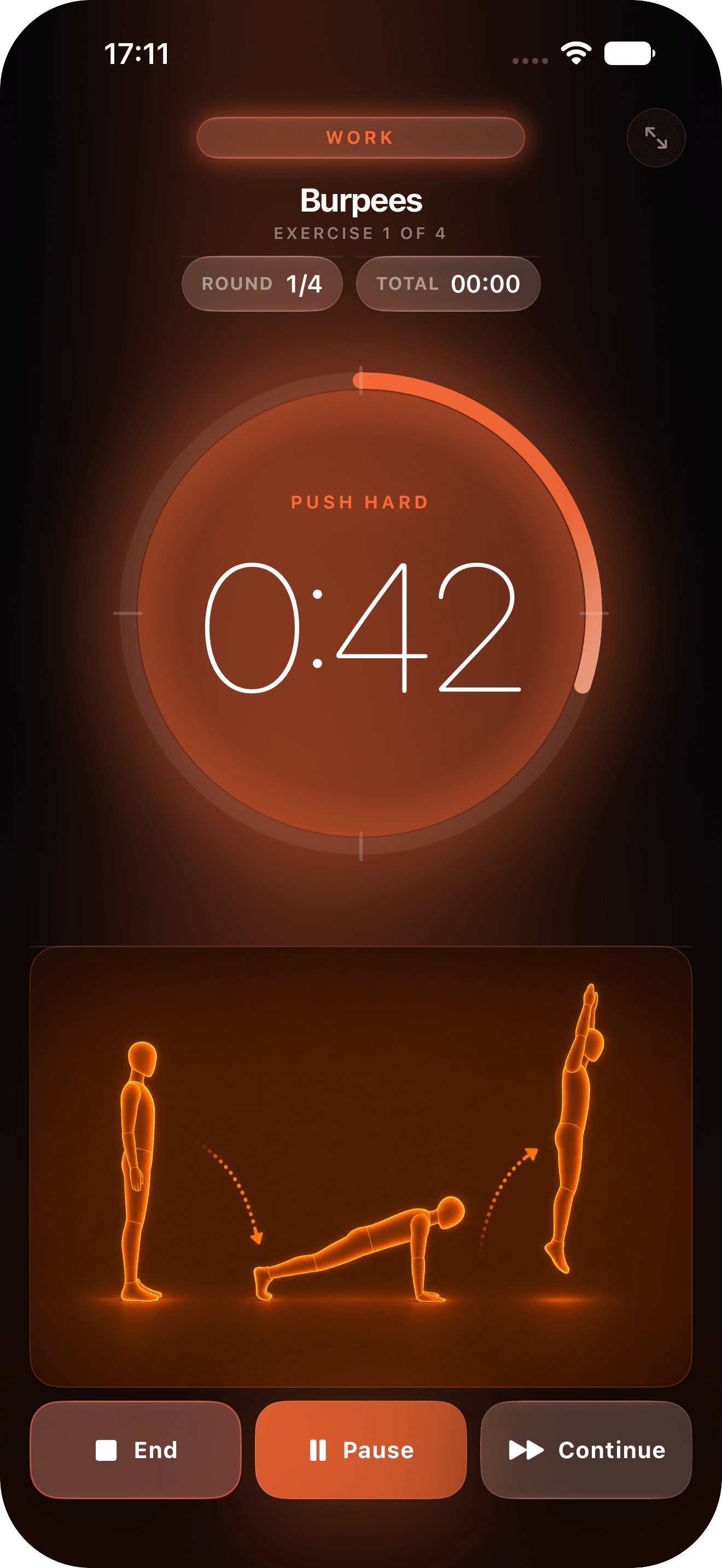
Set your work, rest and rounds. Save your favourite sessions and get straight back to them.
 Interval Timer
YOUR TIME. YOUR PACE.
A beautifully simple interval timer.
For the work. The rest. And the next round.
 Free to start.
iPhone · iPad · Apple WatchiOS 26 · iPadOS 26 · watchOS 26 or later
BUILT AROUND YOUR WORKOUT
Set your work, rest and rounds. Save your favourite sessions and get straight back to them.
Follow audio cues on iPhone and wrist haptics on Apple Watch. See the countdown on your Lock Screen.
Explore Pro for advanced timer modes, unlimited programmes and a Coach that works on your device.
A SIMPLE CHOICE
The core timer stays free. Both Pro options unlock the same features.
Flexibility, one year at a time.
€4.99/ year
One purchase. Yours to keep.
€14.99once
Prices for Germany, including VAT. Local prices appear in the app.
Yearly Pro renews automatically unless cancelled. Existing lifetime buyers keep Pro.
Yes. Standard intervals and basic heart-rate display stay free, without ads or an account. Pro adds more ways to train.
Yes. Your earlier lifetime purchase stays valid. Use Restore Purchases in the app if you change devices.
An active workout session keeps the countdown and audio running. iPhone haptics work in the foreground; Apple Watch provides wrist cues during its workout.
Open your Apple Account subscriptions in iPhone Settings and select Interval Timer. Cancel at least 24 hours before renewal. Access continues until the paid period ends. Deleting the app does not cancel the subscription.